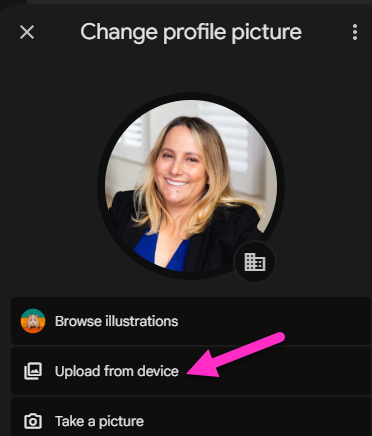
It is recommended that you have a Google Workspace profile photo as this image shows up when someone sees your name in their email inbox or chat list. If they use an iPhone or iPad, the image may also appear in the notifications of incoming chat messages you send them.
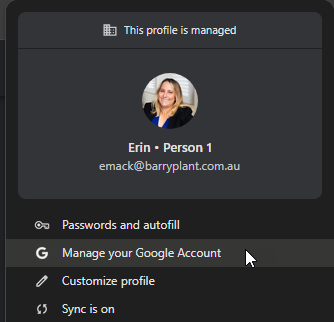
- When logged into your Google Workspace profile in a Google Chrome Browser, click on your avatar/profile icon at the top right of the browser.
- Select Manage your Google Account
- Select Personal info

- Select Profile picture and upload your profile photo, the photo should meet Barry Plant's photography guide standards and be cropped to square.